iPhone / iPad · iOS 18.0+
One photo.Every joint angle.
Turn your iPhone into a professional goniometer. Joints are detected automatically, and any angle takes three taps.
Made for
- Physical therapists
- Personal trainers
- Athletes
- Yoga & Pilates instructors
- Home rehabilitation
What it does
- 01
Finds the joints for you
Pose detection identifies shoulders, elbows, wrists, hips, knees, ankles, spine and neck, and overlays the joints and skeleton on your photo.
- 02
Any angle in three taps
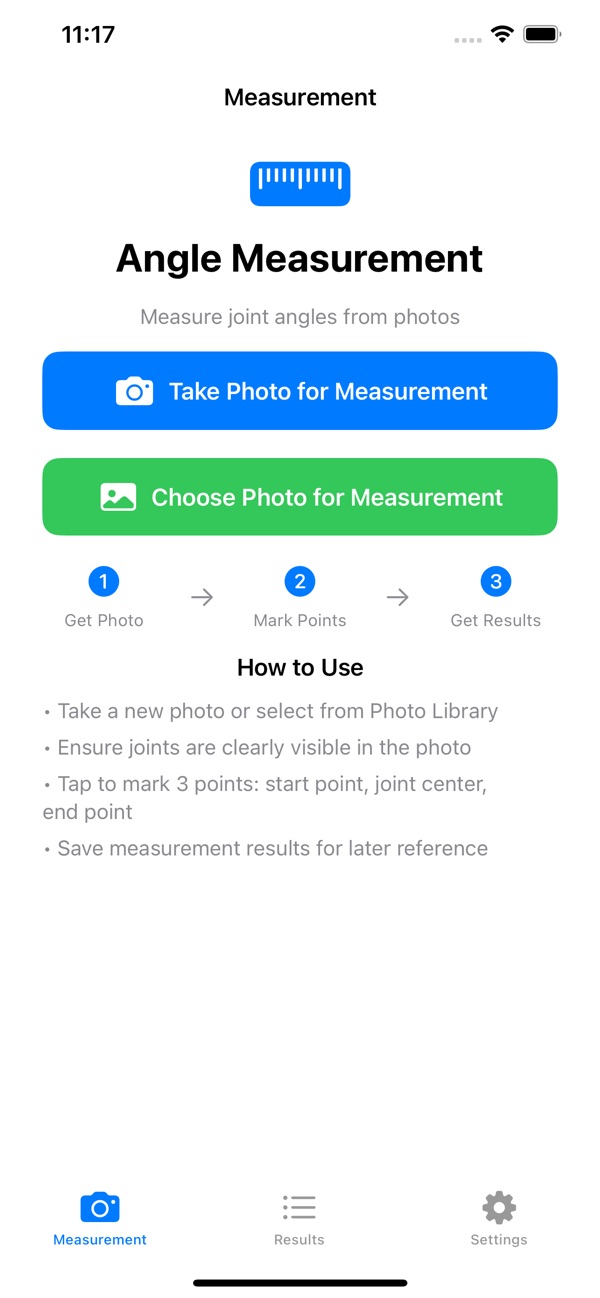
Take a photo or pick one from your library, then tap the start point, the joint center and the end point.
- 03
Several people, color-coded
Detects multiple people in one photo and color-codes them, for group assessments.
- 04
Record it, track the change
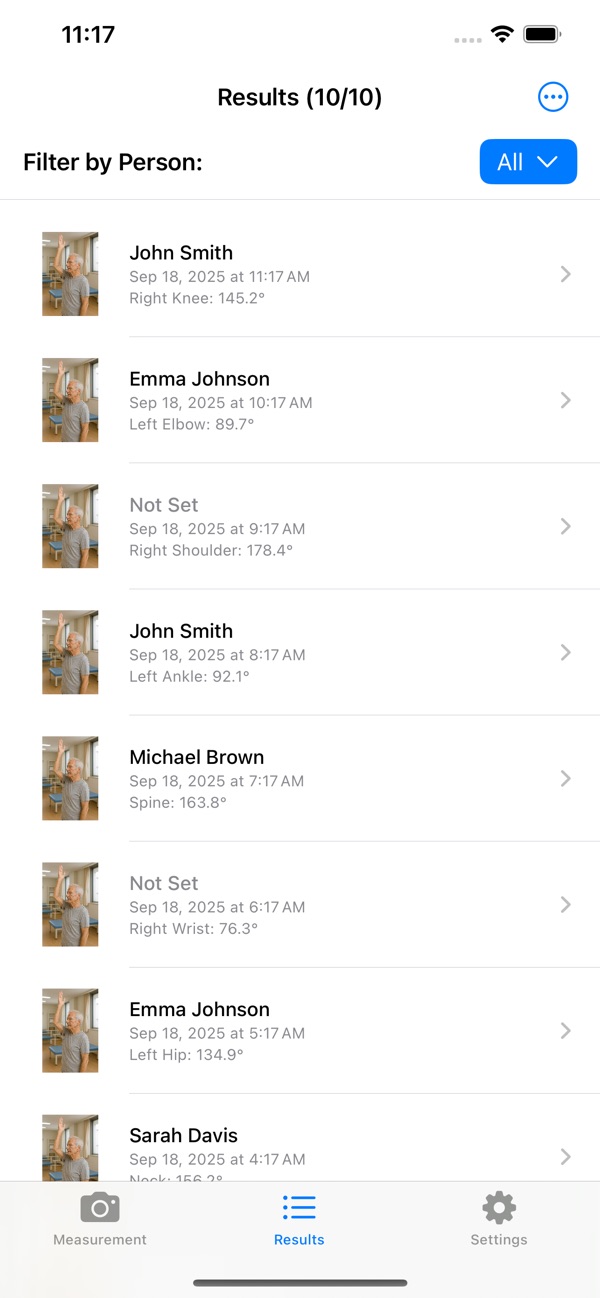
Save each measurement with a name, joint label and notes. The original photo and an annotated version are both kept, so you can follow flexibility and recovery over time.
How it works
- A
Get a photo
Take one now or choose from your library. Joints should be clearly visible.
- B
Tap three points
Tap the start point, the joint center, then the end point.
- C
Save the result
The angle appears. Save it to look back on later.
Screens
What Premium adds
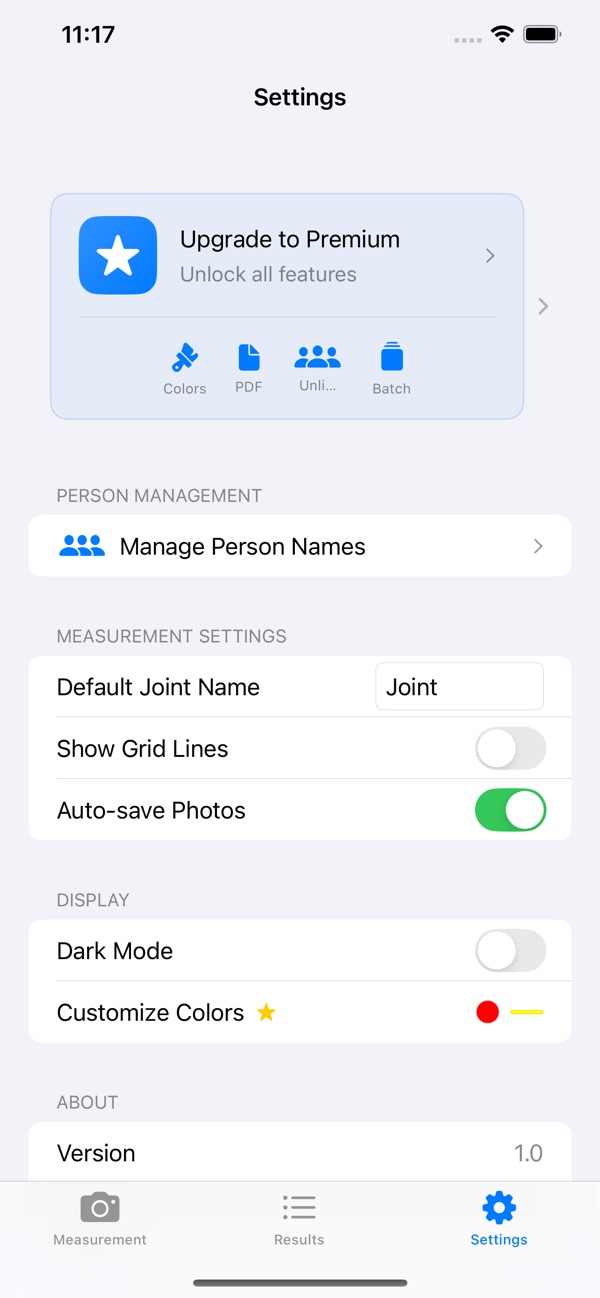
- Unlimited measurements
- Progress analysis
- PDF report export
- Cloud backup
- No ads
FAQ
Where are my photos and results stored?
Only on your device. They are not sent to our servers. See the Privacy Policy for details.
Does it cost anything?
The download is free. Unlimited measurements, PDF export and more are available with Premium (in-app purchase).
Which devices and OS versions?
iPhone and iPad, running iOS 18.0 or later.
Can it measure a photo with several people?
Yes. It detects several people and color-codes them.
Which languages are supported?
Japanese, English and more than 30 other languages.